
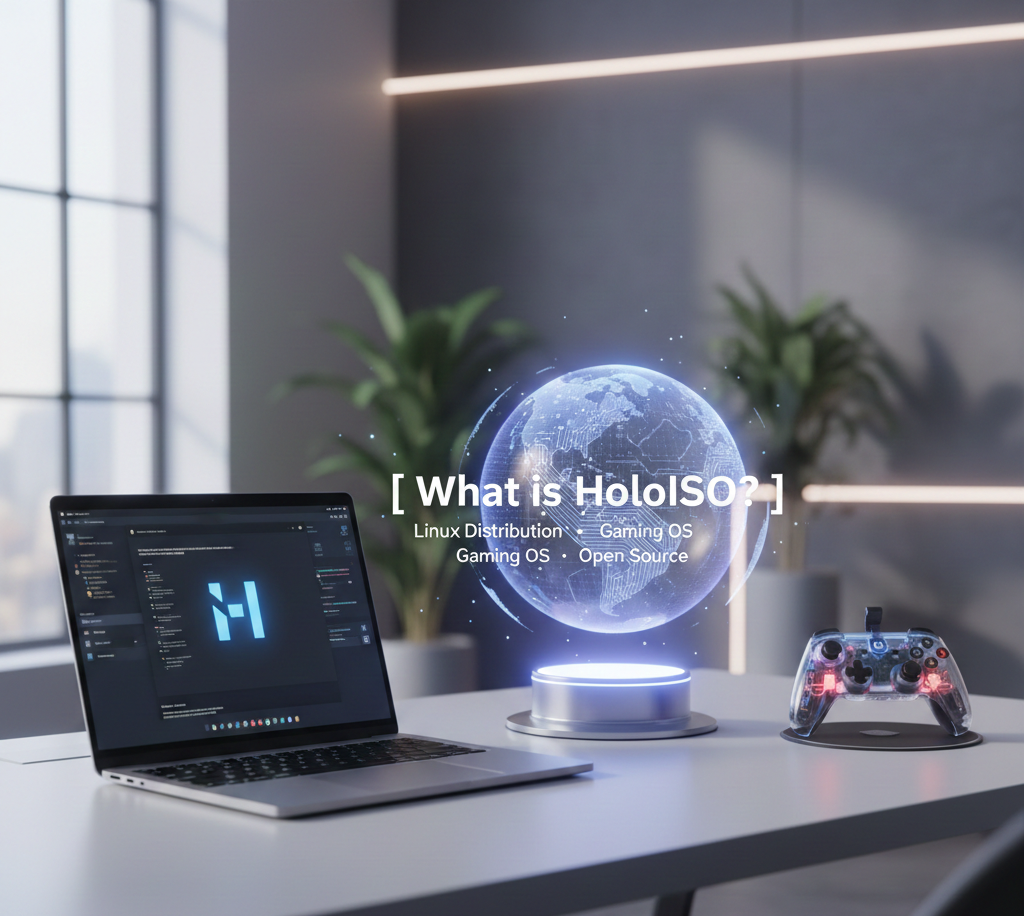
HoloISO is a Linux-based operating system designed to bring the Steam Deck gaming experience to desktop and laptop PCs. It combines a console-style interface with high-performance optimization, allowing users to play both native Linux games and Windows titles through Proton seamlessly. HoloISO focuses on simplicity, speed, and a smooth user experience, making it ideal for gamers who want a dedicated gaming environment without the complexity of traditional Linux setups.
Built on a secure and stable Linux foundation, HoloISO supports a wide range of hardware and provides regular updates from its active developer community. Its lightweight design ensures minimal system overhead, giving maximum performance for gaming and multimedia tasks.
Background and Inspiration
HoloISO was created to bring the unique Steam Deck gaming experience to a wider range of PCs. The developers wanted to provide a console-style interface combined with the flexibility and security of Linux. Inspired by the success of Valve’s Steam Deck, HoloISO focuses on gaming performance, system optimization, and user-friendly navigation.
Origin and Development
Early Development
The project began as a community-driven initiative, where developers tested various Linux distributions and desktop environments to create a gaming-optimized OS. Early builds focused on stability, hardware compatibility, and seamless integration with Steam and Proton.
Community Involvement
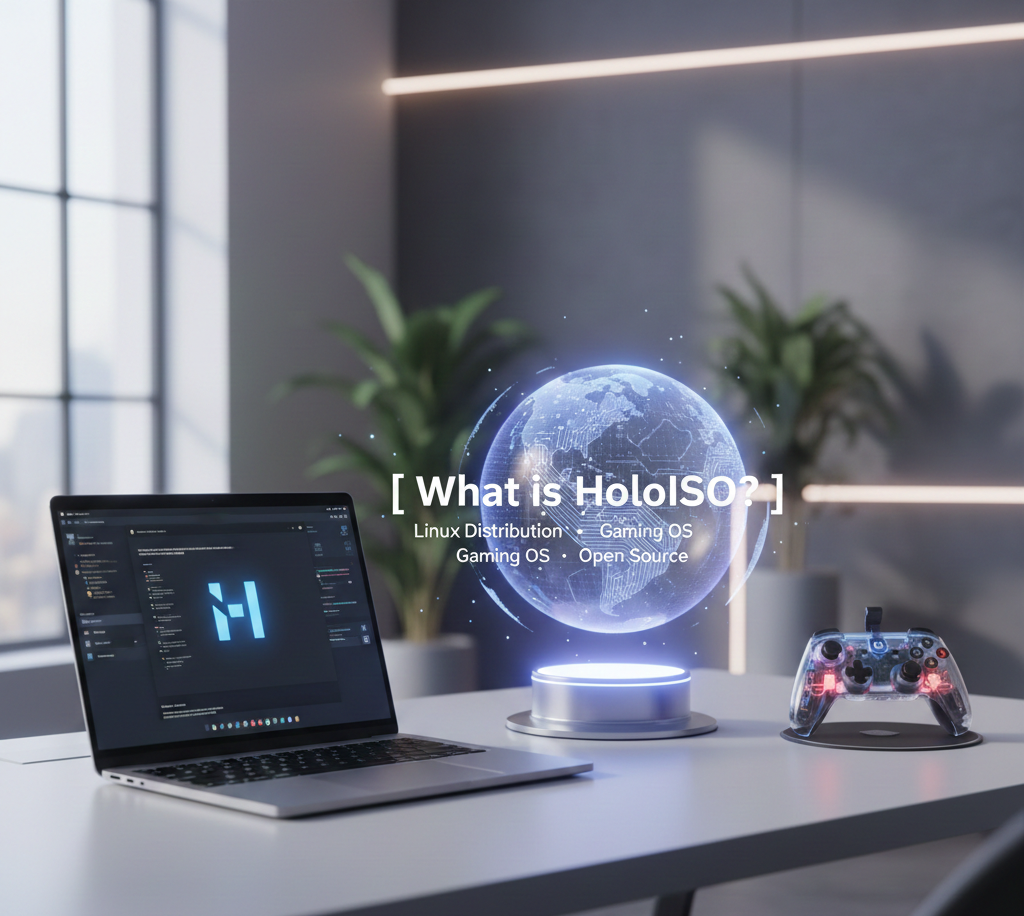
HoloISO is heavily supported by an active community of developers and gamers. Users contribute by reporting bugs, suggesting features, and improving software compatibility. This open collaboration ensures that HoloISO evolves quickly and meets the needs of its audience.
Continuous Updates and Improvements
Since its inception, HoloISO has undergone several updates to enhance performance, add new features, and expand hardware support. The development roadmap includes regular system improvements, security patches, and additional gaming optimizations.
Current Status
Today, HoloISO is recognized as a reliable, gaming-focused Linux distribution that delivers a smooth, Steam Deck-like experience on PCs. It continues to grow with community support and developer contributions, making it a popular choice for Linux gamers.
HoloISO vs Traditional Linux Distros
Purpose and Focus
Traditional Linux distributions like Ubuntu, Fedora, or Debian are designed as general-purpose operating systems. They cater to developers, office users, and everyday computing tasks.
HoloISO, on the other hand, is purpose-built for gaming, offering a console-like experience optimized for playing both Linux-native and Windows games through Proton.
User Interface
Most traditional Linux distros use standard desktop environments such as GNOME, KDE, or XFCE, focusing on productivity and customization.
HoloISO features a console-style, simplified interface similar to the Steam Deck, providing an immersive gaming experience with minimal distractions.
Performance Optimization
General Linux distros aim for stability and versatility, often including many pre-installed applications that can slow down gaming performance.
HoloISO is streamlined and lightweight, with performance tweaks, gaming drivers, and optimizations designed to reduce latency and increase frame rates.
Software and Game Support
Traditional Linux distributions support a wide range of software and applications, but may require additional configuration for gaming.
HoloISO comes pre-configured for Steam, Proton, and other gaming platforms, allowing users to play Windows games seamlessly without complex setups.
Community and Updates
While traditional Linux distros have large communities and frequent updates, they are not specifically gaming-focused.
HoloISO has a smaller but dedicated community centered on gaming, providing specialized support, tutorials, and regular updates for optimal gaming performance.
Installation and Setup
Installing a standard Linux distro may involve manual configuration for optimal gaming, drivers, and performance tweaks.
HoloISO simplifies installation with gaming-ready configurations, reducing the technical barriers for users who want a ready-to-play system.
User Interface and Experience
Console-Style Interface
HoloISO is designed with a console-inspired interface similar to the Steam Deck. This layout allows users to navigate easily using a keyboard, mouse, or controller. Menus, game libraries, and settings are organized intuitively for a seamless gaming experience.
Simplified Navigation
The interface focuses on simplicity, ensuring even beginners can quickly access games, applications, and system settings. Icons, menus, and panels are clearly labeled, reducing confusion and enhancing usability.
Customizable Desktop Environment
HoloISO allows users to customize the interface to fit personal preferences. From themes to display layouts, gamers can adjust visuals to match their style while keeping performance optimized.
Full-Screen Gaming Mode
The OS includes a dedicated full-screen mode for gaming, minimizing distractions from system notifications and background processes. This ensures immersion and smooth performance during gameplay.
Controller and Touch Support
HoloISO’s interface supports both traditional controllers and touch input where applicable. This makes it ideal for users transitioning from consoles to PC gaming without losing convenience.
Accessibility Features
HoloISO includes accessibility options such as scalable fonts, high-contrast themes, and simplified menus to accommodate different users’ needs.
Responsive Design
Whether on a laptop, desktop, or small display, HoloISO’s interface adapts to different screen sizes, maintaining usability and visual clarity across devices.
Gaming Performance
Optimized for Speed
HoloISO is built with gaming in mind, featuring a lightweight desktop environment and minimal background processes. This ensures that the system resources are primarily dedicated to running games, providing smoother gameplay and faster load times.
Proton Compatibility for Windows Games
Through Steam Proton, HoloISO allows users to run a wide range of Windows-only games on Linux without compatibility issues. This expands the gaming library far beyond native Linux titles.
Graphics Driver Support
HoloISO includes optimized drivers for AMD, NVIDIA, and Intel GPUs. These drivers are regularly updated to improve performance, fix bugs, and ensure compatibility with modern game engines.
Low Latency and High Frame Rates
The OS is tuned to reduce input lag and maximize frame rates, giving a responsive and immersive gaming experience even on mid-range hardware.
Game Mode Enhancements
HoloISO can prioritize gaming processes and manage system resources dynamically, ensuring that games run at their peak performance without interruptions from background tasks.
Future Updates and Performance Improvements
Regular updates from the HoloISO development community focus on enhancing gaming performance, optimizing Proton configurations, and adding support for new hardware.
Hardware Compatibility
Ensuring your system is compatible with HoloISO is essential for a smooth gaming and overall user experience. HoloISO is designed to run on a wide range of devices, but understanding the hardware requirements can help you maximize performance.
Minimum System Requirements
To install and run HoloISO, your PC should meet these basic requirements:
- CPU: Dual-core processor (Intel or AMD)
- RAM: 4 GB or higher
- Storage: At least 20 GB of free space
- Graphics: Integrated GPU or basic dedicated GPU
These minimum specs allow HoloISO to operate, but gaming performance may be limited on lower-end hardware.
Recommended System Requirements
For optimal gaming and smooth performance, HoloISO recommends:
- CPU: Quad-core processor or higher
- RAM: 8 GB or more
- Storage: 64 GB SSD or higher
- Graphics: Dedicated GPU with Vulkan/OpenGL support
Meeting these specs ensures better frame rates, faster load times, and full compatibility with Proton for Windows games.
Supported Devices
HoloISO can be installed on:
- Desktops and laptops
- Steam Deck devices (for reference or customization)
- Devices supporting UEFI boot
It may not work reliably on very old hardware or systems with incompatible graphics drivers.
Graphics and Driver Support
HoloISO uses open-source Linux drivers for AMD and Intel GPUs and supports proprietary NVIDIA drivers. Proper driver installation ensures maximum gaming performance and stability.
Peripheral Compatibility
Standard peripherals like keyboards, mice, controllers, and external drives are fully supported. For gaming, controllers compatible with Linux are recommended for the best experience.
Troubleshooting Hardware Issues
- Check BIOS/UEFI settings for secure boot or virtualization options
- Update GPU drivers if games don’t run smoothly
- Refer to the HoloISO community for device-specific fixes
Installation Options
HoloISO offers flexible installation methods to suit different user needs, whether you want to try it temporarily or fully replace your current operating system.
Standalone Installation
A standalone installation allows you to install HoloISO as the primary operating system on your PC. This method is ideal for users who want a dedicated gaming environment without interference from other OSes. During installation, HoloISO formats the selected drive, ensuring a clean and optimized setup for maximum performance.
Dual-Boot Installation
HoloISO supports dual-boot setups, allowing you to keep your existing operating system, such as Windows, while also running HoloISO. This is perfect for users who want to switch between gaming on HoloISO and using their main OS for work or other tasks. The installation process creates a boot menu so you can easily choose which OS to start at boot.
Live USB Trial
If you’re not ready to install HoloISO, you can try it via a live USB. This method runs HoloISO directly from a USB drive without affecting your hard drive. It allows you to explore the interface, test game compatibility, and check hardware support before committing to a full installation.
Advanced Custom Install
For advanced users, HoloISO provides options to customize partitions, file systems, and bootloaders during installation. This allows precise control over how the system is configured, making it possible to optimize performance or integrate HoloISO into existing Linux setups.
Software and Game Support
Steam Integration
HoloISO comes with full Steam compatibility, allowing users to access their entire Steam library. Through Steam Play and Proton, many Windows-exclusive games can run seamlessly on HoloISO, providing a near-native experience.
Native Linux Games
HoloISO supports all Linux-native games, ensuring optimal performance with minimal system overhead. Popular titles available on Linux can be installed and played without compatibility issues.
Support for Other Gaming Platforms
In addition to Steam, HoloISO can run games from other platforms that support Linux, including Epic Games (via Lutris), GOG, and itch.io. This flexibility allows gamers to consolidate their library on one OS.
Game Installation and Management
HoloISO simplifies game installation with built-in package management tools and user-friendly interfaces. Users can install, update, and organize games easily without needing advanced Linux knowledge.
Compatibility Tools
HoloISO includes tools like Proton, Wine, and Lutris to ensure games designed for Windows can run smoothly. These tools expand the playable game library far beyond native Linux titles.
Multimedia and Software Support
Beyond gaming, HoloISO supports popular software for streaming, video playback, and productivity. Applications like VLC, OBS Studio, and Discord can be installed, making it a versatile OS for gamers and content creators alike.
Security and Stability
Built on a Secure Linux Foundation
HoloISO is based on Linux, which is renowned for its robust security architecture. Linux’s permission-based system ensures that applications have limited access to critical system resources, reducing the risk of malware or unauthorized access.
Regular System Updates
HoloISO receives consistent updates from both its developer community and the Linux base. These updates include security patches, bug fixes, and performance improvements, helping maintain a stable and secure system over time.
Safe Software Installation
HoloISO uses trusted repositories and package managers for software installation, minimizing the chances of downloading malicious programs. Users can safely install games, applications, and updates without compromising system security.
Enhanced Stability for Gaming
The operating system is optimized for gaming, with minimal background processes and a lightweight environment. This ensures smoother performance, fewer crashes, and a consistent experience even during long gaming sessions.
Community-Monitored Security
An active HoloISO community monitors vulnerabilities, shares best practices, and quickly addresses issues. Users benefit from collective vigilance and support, ensuring that security concerns are promptly resolved.
System Recovery Options
HoloISO includes tools for backups and system recovery. In case of software conflicts or unexpected issues, users can restore their system to a previous stable state without losing important data.
Community and Support
Active Developer Community
HoloISO benefits from a dedicated team of developers and contributors who actively maintain the operating system. Regular updates, bug fixes, and performance improvements are driven by this community, ensuring HoloISO remains stable and secure for gamers.
User Forums and Discussion Boards
HoloISO has vibrant online forums where users can ask questions, share experiences, and discuss troubleshooting tips. These forums are a valuable resource for both beginners and experienced users looking to optimize their systems.
Discord and Social Channels
The HoloISO community maintains active Discord servers and social media channels. These platforms allow users to get real-time support, participate in community events, and connect with other HoloISO gamers worldwide.
Official Documentation
HoloISO provides comprehensive official documentation covering installation, setup, and troubleshooting. Step-by-step guides, FAQs, and tips make it easier for new users to get started and for experienced users to explore advanced features.
Contribution Opportunities
HoloISO encourages community contributions, whether through code, bug reports, feature suggestions, or documentation updates. This collaborative approach ensures the OS evolves according to the needs of its user base.
Support for New Users
For beginners, HoloISO offers beginner-friendly resources, video tutorials, and guides. These help users understand the OS, navigate its interface, and optimize gaming performance without prior Linux experience.
conclusion
HoloISO is a powerful Linux-based operating system designed to bring the Steam Deck experience to a wide range of PCs. It combines a console-style interface, optimized gaming performance, and broad hardware compatibility, making it ideal for gamers seeking a seamless, portable gaming environment. With community-driven development and a secure Linux foundation, HoloISO offers an innovative and reliable alternative for both casual and dedicated gamers alike.