
Open Source Gaming OS
HoloISO SteamOS Experience for Your PC
HoloISO is a community-driven Linux distribution designed to bring the official SteamOS experience to non-Steam Deck devices. Enjoy console-like gaming, seamless updates, and optimized performance on your PC with HoloISO.
50K+
Active Users
10K+
Games Supported
100%
Open Source
Controller Ready
Plug & Play
Any Hardware
x86_64 Compatible
Optimized
Max Performance
About HoloISO
What is HoloISO ?
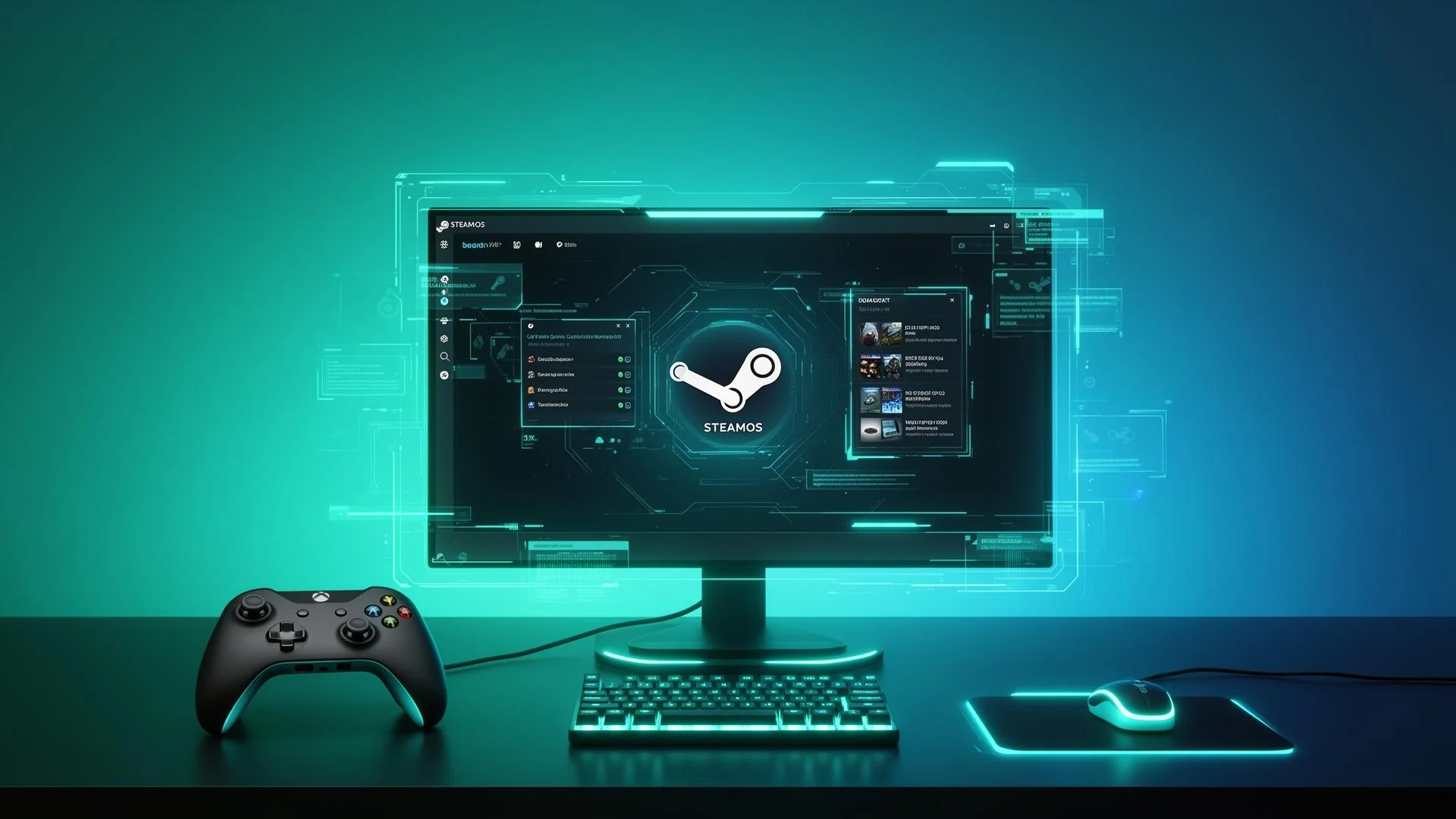
HoloISO is a community-developed Linux operating system that brings the official SteamOS experience to regular PCs and non-Steam Deck devices. It is designed for gamers who want a console-like interface, fast performance, and seamless Steam integration without the complexity of traditional Linux setups.
Built on Arch Linux, HoloISO closely replicates the look and feel of SteamOS used on the Steam Deck. It boots directly into the Steam Deck UI, making it ideal for controller-based gaming, living-room setups, and handheld PCs. Users can log into Steam, download games, and start playing immediately.
HoloISO also includes Proton support, allowing many Windows-only games to run smoothly on Linux. As an open-source, community-driven project, it receives regular updates and improvements, making it a powerful alternative for gamers who want the SteamOS experience on their own hardware.
- Community-developed Linux gaming operating system
- Steam Deck jesa official SteamOS interface
- Arch Linux base for better performance & updates
- Direct boot into Steam Deck / Big Picture UI
- Controller-friendly design (couch & handheld gaming ke liye perfect)
- Proton support – Windows games bhi run hoti hain
- Open-source aur free to use
- PC aur non-Steam Deck devices ke liye optimized
Powerful Features
Key Features of HoloSO
Explore the advanced features that turn your PC into a Steam Deck–style gaming system with HoloISO.
3D Graphics
HoloIso ke advanced rendering engine se realistic aur detailed 3D experience. Har scene aur object life-like lage aur interaction engagement barhta hai.
Multi-Platform
PC, console aur mobile devices pe smooth aur consistent performance. Aapka progress aur settings har device pe sync ho jate hain without interruption.
Interface Controls
Intuitive layout jo user preferences ke hisaab se easily adjust hota hai. Control options aur display elements personalize karne ka full flexibility milta hai.
High Performance
High-speed processing aur low-latency operation for smooth interaction. Resource-efficient design device ki battery aur hardware load ko minimize karta hai.
Community Features
User feedback aur collaboration ke zariye continuous improvements aur updates. Community suggestions features implement hain aur quickly fix hote hain.
Secure System
Encrypted connections aur robust system design jo data aur privacy ko protect karta hai. Regular updates aur security patches se user ka trust aur system stability hoti hai.
How It Works
Why HoloISO Is the Ultimate Console Style Gaming OS
HoloISO combines the simplicity of a gaming console with the power of a Linux-based operating system. It installs easily, boots directly into the SteamOS-style interface, and delivers an optimized, controller-friendly experience that transforms your PC into a dedicated gaming machine.
How HoloISO Works
System Installation & Setup
SteamOS-Inspired Interface
Optimized Linux Gaming Environment
Steam Integration & Game Management
Proton Compatibility Layer
Controller-First Experience
Automatic Updates & Stability
Optional Desktop Mode
Why Choose HoloISO?
Console-Like Gaming Experience
Native SteamOS Interface
Optimized Performance for Gaming
Built on Arch Linux
Excellent Proton & Linux Game Support
Controller-First Design
Open-Source & Community-Driven
Ideal for Custom Gaming Builds
Free to Use
Installation Guide
Get Started in 4 Easy Steps
Installing HoloISO is straightforward. Follow these simple steps to transform your PC.
Download ISO
Get the latest HoloISO image from our official releases page.
Create Bootable USB
Use Rufus, Etcher, or dd to flash the ISO to a USB drive.
Boot & Install
Boot from USB and follow the guided installation wizard.
Start Gaming
Reboot into HoloISO and enjoy your Steam Deck experience.
Need Help?
Check out our comprehensive documentation and join our Discord community for support.
Hardware Support
Supported Devices
Graphics Cards
- AMD Radeon RX 6000/7000 Series
- AMD Radeon RX 5000 Series
- Intel Arc Graphics
- Intel Integrated (UHD/Iris)
- NVIDIA GTX 10/16/20/30/40 Series
Controllers
- PlayStation DualSense/DualShock 4
- Xbox Series/One Controllers
- Nintendo Switch Pro Controller
- Steam Controller
- Generic XInput Controllers

System Requirements
Hardware Compatibility
HoloISO works on most modern x86_64 PCs. Check if your system meets the requirements.
Minimum Specs
- Processor: AMD/Intel 64-bit CPU
- RAM: 4GB DDR4
- Storage: 32GB SSD
- Graphics: AMD/Intel/NVIDIA GPU
- Internet: Required for Steam
- USB Drive: 8GB for Installation
Recommended Specs
- Processor: AMD Ryzen 5 / Intel i5
- RAM: 16GB DDR4
- Storage: 512GB NVMe SSD
- Graphics: AMD RX 6600 / RTX 3060
- Internet: High-speed broadband
- Controller: Xbox / PlayStation pad
Comparison
HoloISO vs Windows
Discover how HoloISO stacks up against standard Windows for gaming. Each platform offers unique advantages based on your preferences.
| Features | HoloISO | Windows | Other Linux |
|---|---|---|---|
| Steam Deck Interface | ✓ | ✕ | ✕ |
| Native Proton Support | ✓ | ✕ | Partial |
| Controller-First Design | ✓ | ✕ | ✕ |
| Gaming Mode Boot | ✓ | ✕ | ✕ |
| Desktop Mode | ✓ | ✓ | ✓ |
| Free & Open Source | ✓ | ✕ | ✓ |
Processor
x86_64 CPU
RAM
4GB Minimum
Storage
32GB+ SSD
Graphics
AMD/Intel/NVIDIA
50,000+
Active Users
10,000+
Games Supported
500+
Contributors
24/7
Community Support
Performance
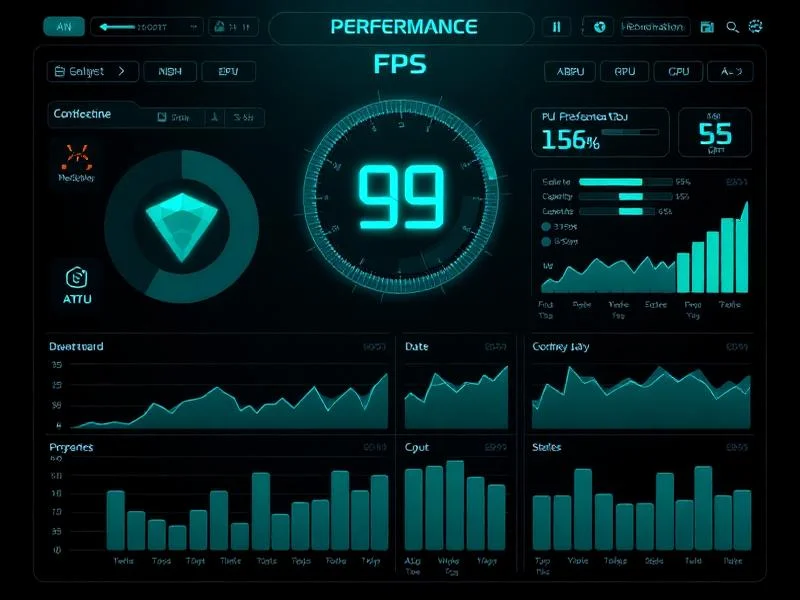
Blazing Fast Performance
Every component is optimized for gaming. Experience buttery smooth gameplay with minimal latency.
99% Proton Compatibility
Works with almost every Steam
< 5ms Input Latency
Near-instant response time
4K/120 Max Resolution
Up to 4K at 120Hz supported
30s Boot Time
From power on to gaming
Game Library
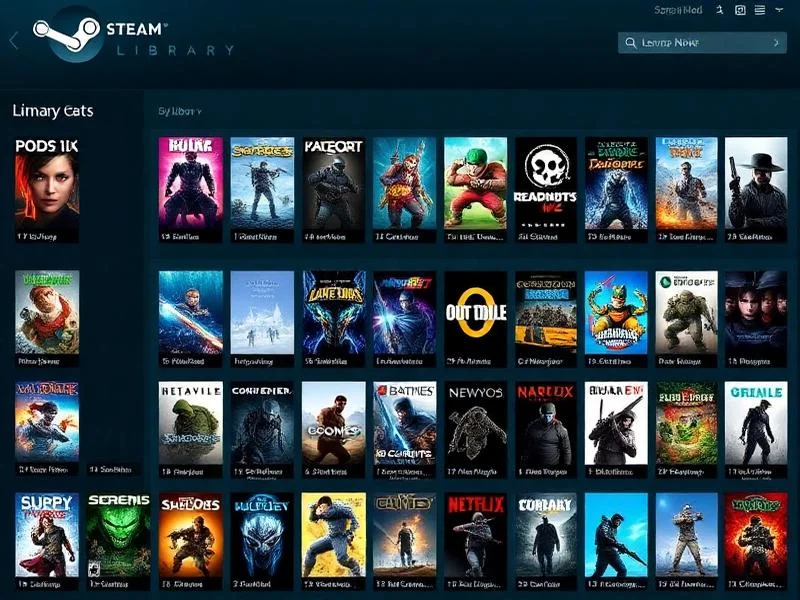
Your Games, Your Way
Access your entire Steam library with full Proton support. Play Windows games seamlessly on Linux.
10,000+ Compatible Games
Most Steam games work out of the box
Steam Achievements
Full achievement and cloud save support
Play Time Sync
Your progress syncs across all devices
Auto Downloads
Games download while you sleep
Testimonials
What Gamers Say
Join thousands of happy users enjoying HoloISO
Alex Chen
PC GamerSarah Miller
Linux EnthusiastJames Wilson
Handheld GamerMaria Garcia
Content CreatorDavid Kim
DeveloperEmma Thompson
Casual GamerFAQ's
Frequently Asked Questions
Everything you need to know about HoloISO
What is HoloISO?
HoloISO is a community-driven Linux distribution that brings the official SteamOS experience to standard PCs and non-Steam Deck devices, offering a console-like gaming environment.
Is HoloISO an official SteamOS release?
No, HoloISO is not an official Steam product. It is a third-party project designed to replicate SteamOS functionality on compatible hardware.
Is HoloISO free to use?
Yes, HoloISO is completely free and open-source, with no licensing fees or hidden costs.
Who should use HoloISO?
HoloISO is ideal for gamers who want a console-style interface on their PC, handheld devices, or living-room gaming setups.
Is HoloISO suitable for beginners?
Yes, HoloISO is user-friendly, especially for gamers. However, basic Linux knowledge can be helpful for advanced customization.
What makes HoloISO different from other Linux distros?
HoloISO is built specifically for gaming, featuring a Steam Deck–like UI, controller-first design, and performance-focused optimization.
Does HoloISO support Windows games?
Yes, through Proton compatibility, HoloISO allows many Windows-based games to run smoothly on Linux.
Can I use HoloISO as a daily desktop OS?
While possible, HoloISO is optimized primarily for gaming rather than general desktop productivity.
Is HoloISO legal to use?
Yes, HoloISO is legal. It uses open-source components and does not distribute proprietary Steam content.
How often is HoloISO updated?
Updates depend on community development but are generally frequent due to its Arch Linux base.
What hardware does HoloISO support?
HoloISO works best on AMD-based systems but also supports Intel CPUs and certain NVIDIA GPUs with limitations.
Is HoloISO optimized for AMD GPUs?
Yes, AMD GPUs offer the best compatibility and performance due to native Linux driver support.
Can I install HoloISO on a laptop?
Yes, HoloISO can be installed on laptops, provided the hardware meets minimum requirements.
Does HoloISO support controllers?
Yes, HoloISO is fully optimized for controllers, making it perfect for couch and handheld gaming.
How much storage does HoloISO require?
A minimum of 40GB storage is recommended, though more space is advised for game installations.
Can I dual-boot HoloISO with another OS?
Yes, advanced users can set up dual-boot configurations with Windows or other Linux distributions.
Is HoloISO stable for long gaming sessions?
Yes, HoloISO is designed for stability and performance, making it reliable for extended gameplay.
Does HoloISO support automatic updates?
Yes, HoloISO includes update mechanisms similar to SteamOS, keeping the system current with minimal user intervention.
Can I customize HoloISO?
Yes, since it is Linux-based, advanced users can customize the system extensively.
Where can I get help or support for HoloISO?
Support is available through the HoloISO community, forums, GitHub repositories, and user-driven documentation.